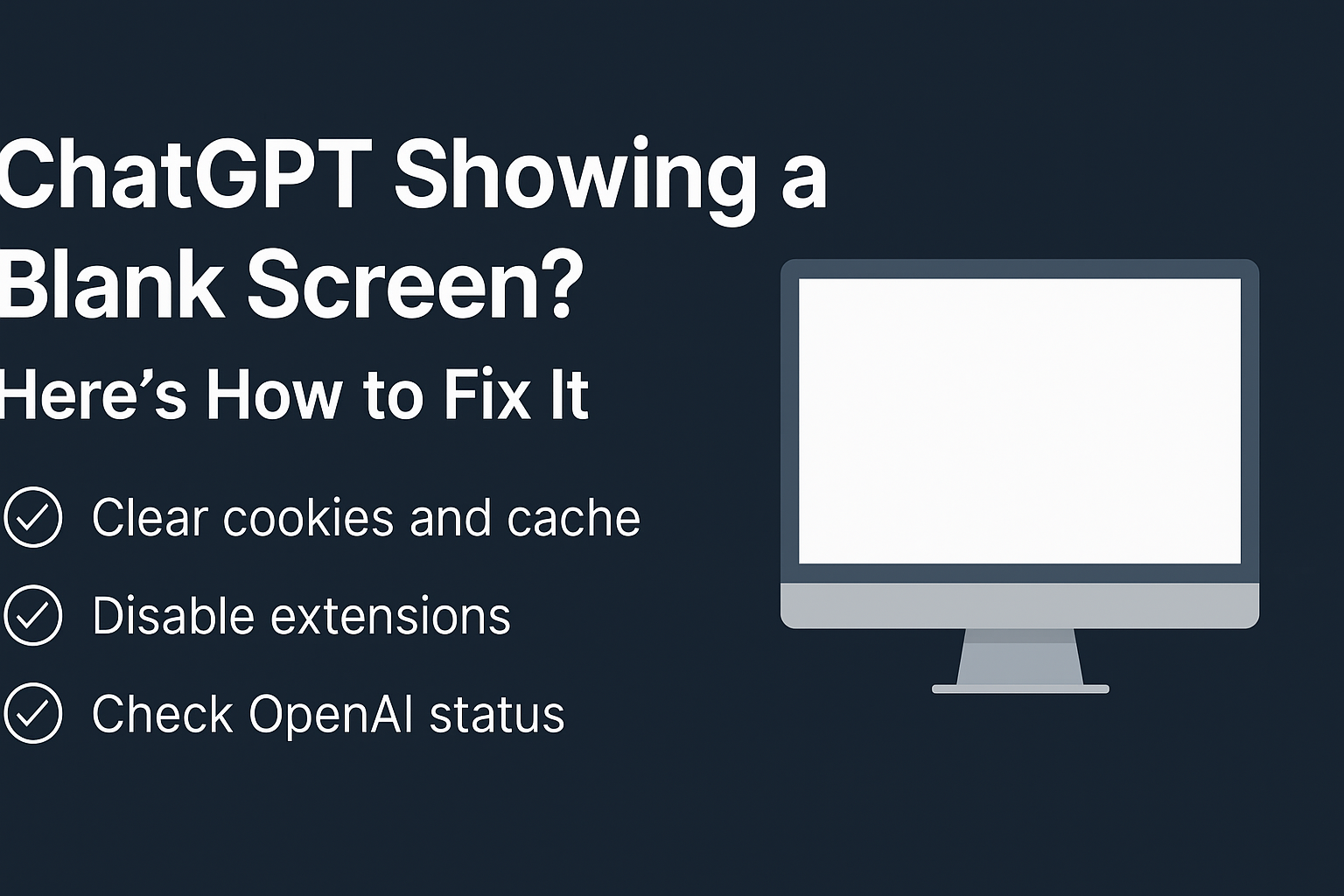
Have you opened a chat on Character.AI recently, only to find… nothing? No messages, no bot replies, just a blank chat window? You’re not alone.
Over the past several months, users across Reddit, Quora, YouTube, and forums have flooded in with the same question:
“Why is my Character.AI chat showing up as blank or not responding at all?”
Let’s dive deep into this frustrating bug, explore real user experiences, possible fixes, and the broader implications this issue has for the future of AI chat platforms.
🧩 What’s Happening With Character.AI?
Character.AI is a web-based chatbot platform where users can interact with fictional characters—anything from anime icons to historical figures or entirely custom personas.
However, many users are encountering the following issues:
Chat shows no messages after refreshing or starting a new conversation
Bots freeze mid-response and leave no reply
Black screen appears when opening old chats
Character window loads, but the interface is completely blank
📣 Real User Reports (From Reddit & Social Media)
A quick look at Reddit reveals hundreds of threads complaining about the same blank chat problem:
🔹 “My chats aren’t showing—just a black screen when I open the bot.”
🔹 “All replies are coming up blank. No message bubble, nothing.”
🔹 “I refresh and it’s still blank. Happens on both desktop and mobile.”
These issues are not just limited to new users. Even experienced fans and premium users report the same errors despite switching devices or browsers.
🛠 What’s Causing the Blank Chat Glitch?
Based on community feedback and technical insights, here are the main causes of the blank chat issue:
1. Browser Cache or Corrupted Site Data
Character.AI’s web app relies heavily on your browser’s stored data. Corrupted cache can block chats from rendering properly.
Fix:
Clear all site-specific data from your browser for character.ai. This goes beyond just clearing cookies.
💬 Tip from Reddit:
“I had to delete all cookies, site storage, and cache. Only then did my chats come back.”
2. Browser Incompatibility
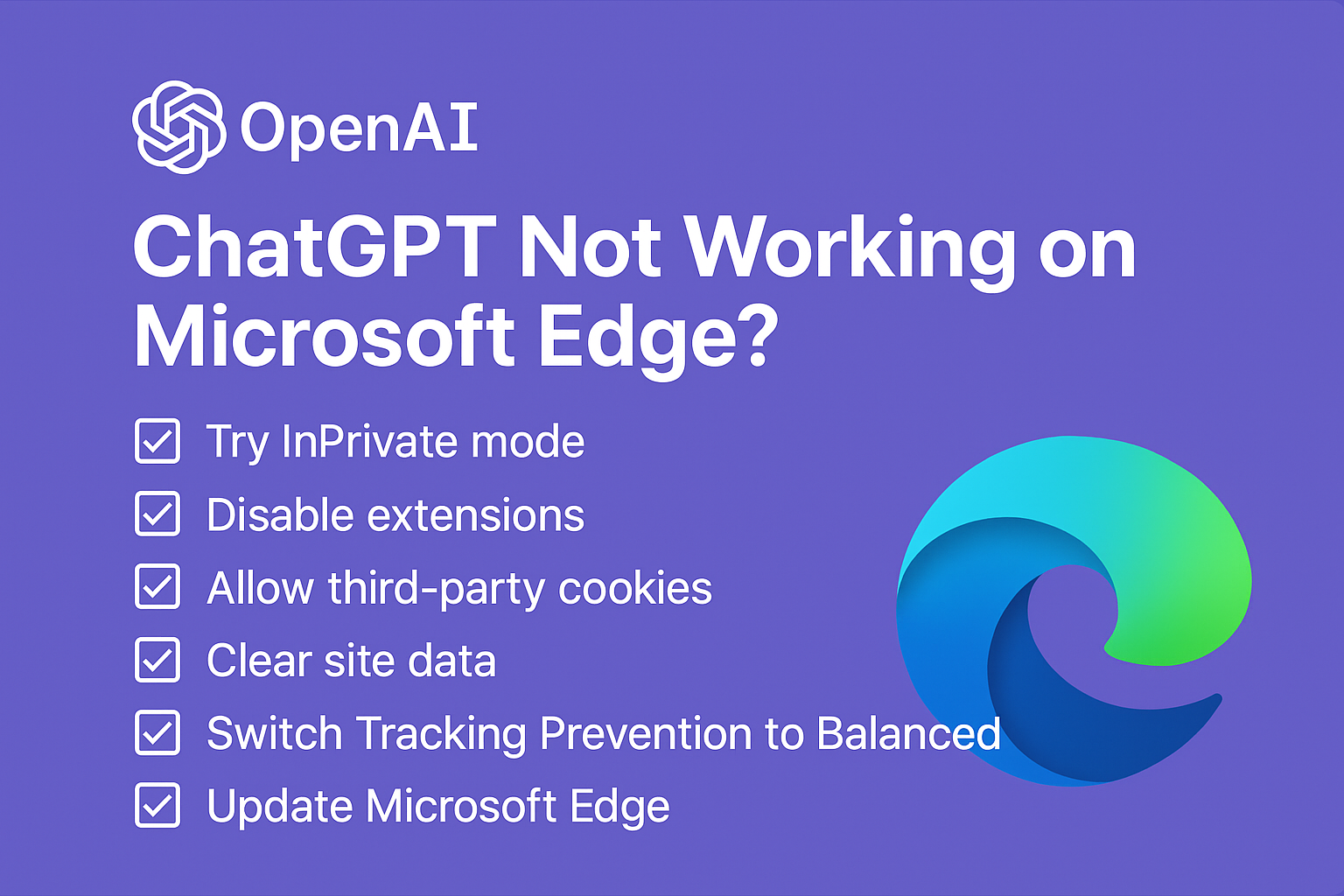
Some versions of Chrome or Safari (especially on mobile) are reportedly more prone to this issue. Privacy extensions and incognito mode can also break chat rendering.
Fix:
Try switching to another browser (e.g., Firefox or Edge), and ensure extensions like ad blockers are disabled.
3. VPN or Network Lag
Slow or throttled connections (especially with VPNs or public Wi-Fi) can prevent scripts from loading fully.
Fix:
Disable VPN, switch to a faster or more stable connection, and try again.
4. Platform-side Glitches or Maintenance
In some cases, the problem isn’t you—it’s the platform. Character.AI has a history of backend outages, shadow updates, and memory overloads.
Fix:
Check for site updates via Reddit or DownDetector, and retry after 15–30 minutes.
🧪 Advanced Fixes (If Nothing Else Works)
Still seeing a blank screen? Try the following:
- ✅ Log out and log back in
- ✅ Use an incognito window (but ensure cookies are allowed)
- ✅ Turn off dark mode (some users report UI breaks in dark theme)
- ✅ Disable custom character filters or scripts (if using 3rd party mods)
- ✅ Clear IndexedDB manually in browser settings under dev tools
⚠️ Not Just a Bug: The Bigger Problem
While the blank chat glitch is annoying, it hints at larger concerns about Character.AI’s architecture and safety practices.
📌 Legal & Ethical Scrutiny:
In 2024 and 2025, Character.AI faced criticism for:
- Allowing bots to impersonate deceased individuals
- Being used by vulnerable teens to create emotionally dependent or NSFW relationships
- Lacking robust content moderation and user safety controls
One lawsuit filed in the U.S. even questioned the mental health impact of prolonged AI-bot interactions, especially when the bots glitch mid-conversation.
✅ TL;DR: How to Fix the Blank Chat Bug
| 🛠 Step | 💡 Action |
|---|---|
| Clear Site Data | Go to browser settings → Clear cookies/cache for character.ai |
| Switch Browsers | Try Firefox or Edge; disable extensions and private mode |
| Check Internet/VPN | Use stable Wi-Fi; turn off VPNs or firewalls |
| Wait It Out | Sometimes it’s a server-side update—give it 30 minutes |
| Submit a Bug Report | Visit support.character.ai for help |
💬 Final Thoughts
If you’re facing a blank screen on Character.AI, you’re not alone—and it’s not your fault. While fixes like clearing cache or switching browsers help many, the issue also highlights deeper concerns around stability, user dependency, and platform ethics.
As Character.AI continues to grow and evolve, users deserve a platform that’s not only fun—but also stable, safe, and transparent.
🧠 Have you experienced the blank screen issue?
Drop your fix or frustration in the comments below!