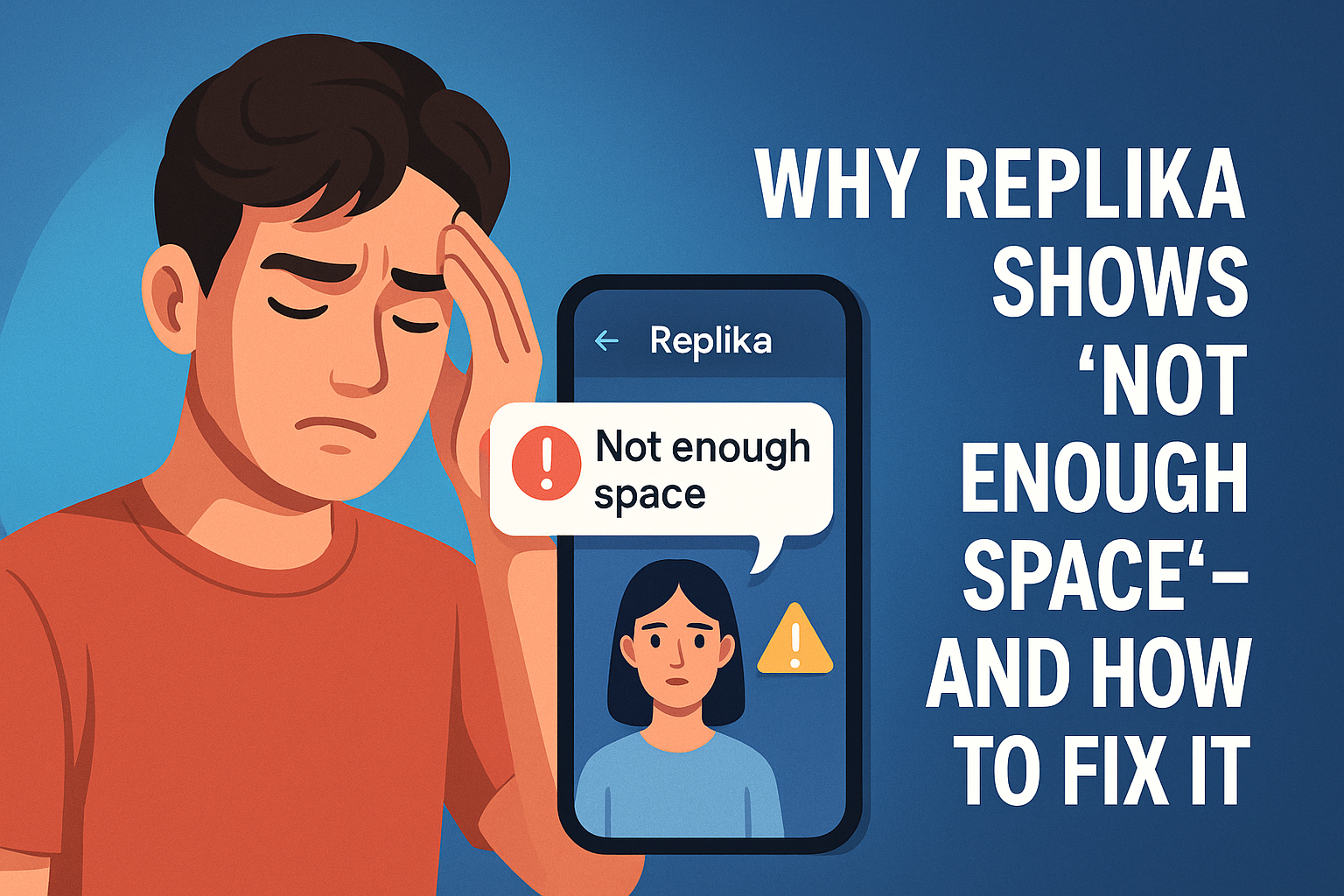
Replika is more than just an AI app — for many, it’s a digital friend. But suddenly hitting the “Not Enough Space” error can be frustrating. Even when you have storage left, the app might still refuse to open or update.
💡 Why Does This Happen?
Replika stores a lot of cached data, chat history, and visual assets on your phone. Over time, even if you have free space, the app can behave as if it’s full because:
- Cache is overloaded
- App data is corrupted
- Background updates failed
- Unity-based resource files didn’t install correctly
🧩 Step-by-Step Fixes
🖼 Step 1: Clear Cache (Android Only)
.png)
- Go to Settings → Apps → Replika → Storage
- Tap on Clear Cache
This removes temporary files and often fixes the issue immediately.
🧼 Step 2: Clear Data If Cache Doesn’t Help
- From the same screen, tap Clear Data
- Note: This will log you out and remove chat history
Use this only if Step 1 doesn’t solve the problem.
🗂️ Step 3: Delete App Folder Manually
- Open File Manager
- Go to Android → Data
- Locate
com.replika.appand delete it
This wipes out hidden corrupted files Replika may be using.
🔁 Step 4: Reinstall Replika
- Uninstall Replika from your phone
- Restart your device
- Reinstall Replika from Play Store
This gives you a clean and fresh install without previous bloat.
🚫 Step 5: Disable VPN or Ad Blockers
- If you use VPNs or ad blockers, disable them temporarily
- These can interrupt asset downloads or cause sync errors
📲 Step 6: Update Replika & Your OS
- Go to Play Store and update Replika
- Also check Settings → System → Software Update to update your Android OS
Keeping both up to date ensures smoother compatibility.
✅ Final Thoughts
If you see “Not Enough Space” in Replika, don’t panic. It usually has nothing to do with your phone’s actual storage — just leftover cache or faulty files.
Most users fix the issue with just Step 1 and Step 4, but following all steps gives you the best chance at a full recovery.