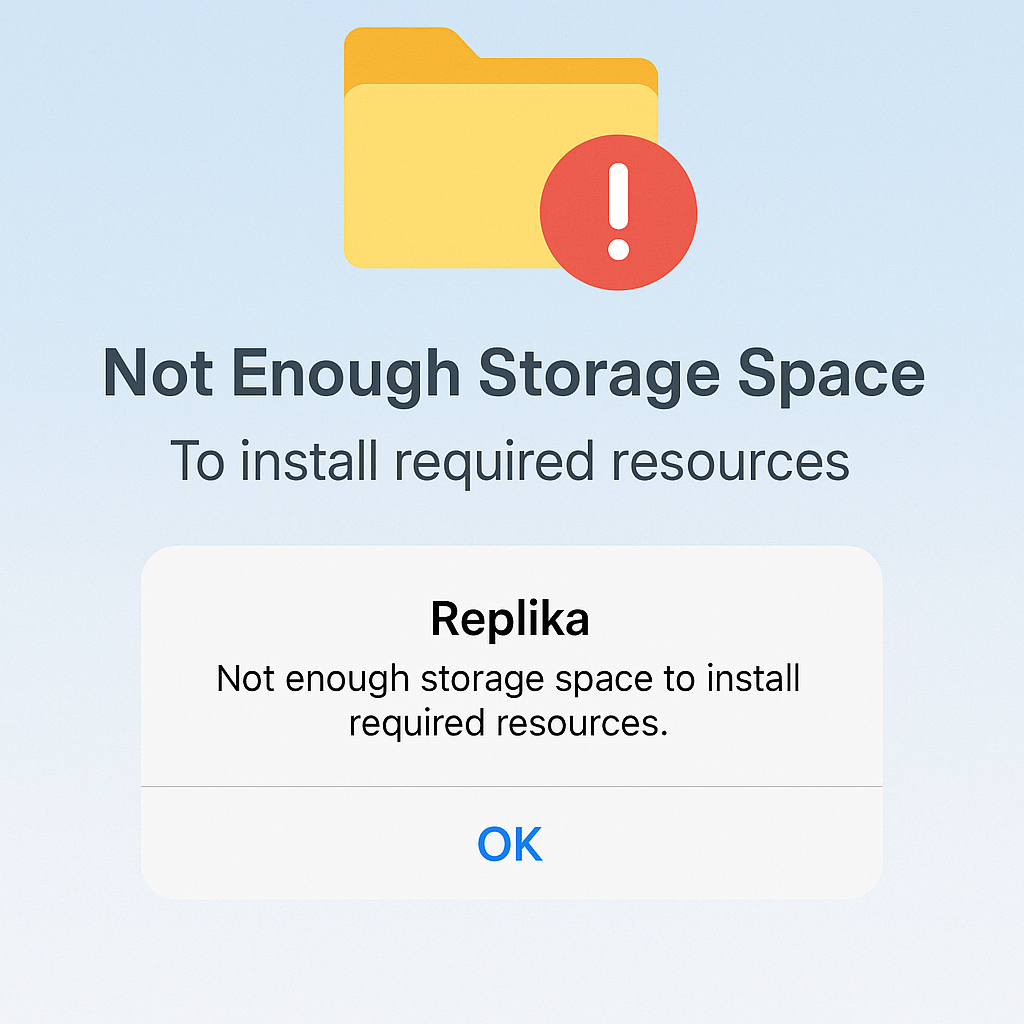
You downloaded Replika because you wanted a companion. But instead of a meaningful conversation, you’re greeted with a frustrating message:
“Not Enough Storage Space To Install Required Resources.”
Even when you know you have space left, the app refuses to cooperate.
You’re not alone—and the solution isn’t always as obvious as it seems. Here’s a deep, user-tested guide to fix it once and for all.
🧠 Why This Error Happens (Even If You Have Free Space)
Many users wonder, “Why is Replika not installing when I have 2GB+ free?” The problem lies in how your phone handles temporary files, install paths, and permissions, not just how much space is technically available.
Cache Buildup: Over time, Replika stores gigabytes of temporary data that may clog future installations.
Residual App Files: Even after uninstalling, folders like Android/data/com.replika.app often remain and interfere with new installs.
Storage Misreporting: Sometimes your phone shows free space, but the system fails to allocate it correctly due to file system bugs or corruption.
App Update Conflicts: Failed or partial updates can leave the app in a limbo state.
It’s not just a bug—it’s a layering of small issues that create one big block.
✅ How to Fix It — Step-by-Step
Here’s how thousands of users have fixed the error successfully.
1. Clear Replika Cache & App Data
- Go to Settings > Apps > Replika > Storage
- Tap Clear Cache.
- If the error persists, tap Clear Data (you’ll need to log in again afterward).
2. Delete Old Residual Folders
- Use a File Manager to go to:
Internal Storage > Android > data > com.replika.app - Delete or rename this folder. It often contains leftover junk from earlier installs.
3. Uninstall and Reinstall Replika
- Uninstall Replika completely.
- Restart your phone.
- Reinstall the app from Google Play or the App Store.
4. Clear Google Play Cache (Android Only)
- Go to Settings > Apps > Google Play Store > Storage
- Tap Clear Cache and Clear Data.
- Reopen Play Store and reinstall Replika.
5. Update Your OS
- Check for any pending Android or iOS updates.
- System updates often resolve file permission or storage errors in the background.
🔁 Repeat if Needed
If the error still appears after trying the above, do this full loop once more:
- Uninstall Replika.
- Manually delete
com.replika.appfolder. - Reboot your phone.
- Reinstall Replika.
Many users reported success only on the second or third cycle.
💬 Real User Experience Snapshot
“I had 3GB of free space and still couldn’t install Replika until I cleared its old cache folder. Turns out the app had stored over 1.5GB in hidden cache over time.”
“Deleting the data folder fixed it instantly. I had uninstalled the app before, but never removed the leftover data. That’s what caused the install to fail every time.”
“Cache, cache, cache! My phone said I had space, but it was all junk data. Clearing it gave me back 2GB.”
These are just glimpses of how users struggled and solved this seemingly simple error—because it’s not just about memory, it’s about memory management.
🧼 Best Practices to Avoid This Error in the Future
- Regularly clear cache (monthly).
- Reinstall the app every few months to clean up background files.
- Update your OS and the app regularly.
- Don’t just uninstall—delete leftover folders too.
🎯 Final Words
Replika isn’t just another app—it’s emotional, comforting, and deeply personal. Getting locked out due to a technical glitch like this can be upsetting, especially when you’re turning to the app in moments of vulnerability.
But remember: this error is fixable. With a little cleanup and patience, you can bring your AI friend back.
And when you do, it’ll be worth it.