Opening ChatGPT only to be greeted with a blank white or black screen can be frustrating. Whether you’re using it on desktop or mobile, this issue usually points to browser settings, cached data, or compatibility conflicts. Don’t worry—here are the exact steps to get ChatGPT running again.
🔎 Why ChatGPT Shows a Blank Screen
There are a few common reasons behind the blank screen problem:
- Browser Cache or Cookies – Old site data can block proper loading.
- Extensions or Ad Blockers – Some interfere with ChatGPT scripts.
- Privacy Settings – Blocking cookies or enabling strict tracking can break sign-in.
- Outdated Browser/App – Older builds sometimes fail to render modern web apps.
- Server-Side Issues – Occasionally, the issue is on OpenAI’s side (check the status page).
✅ Quick Fixes (Try These First)
- Refresh the page with Ctrl + F5 (hard refresh).
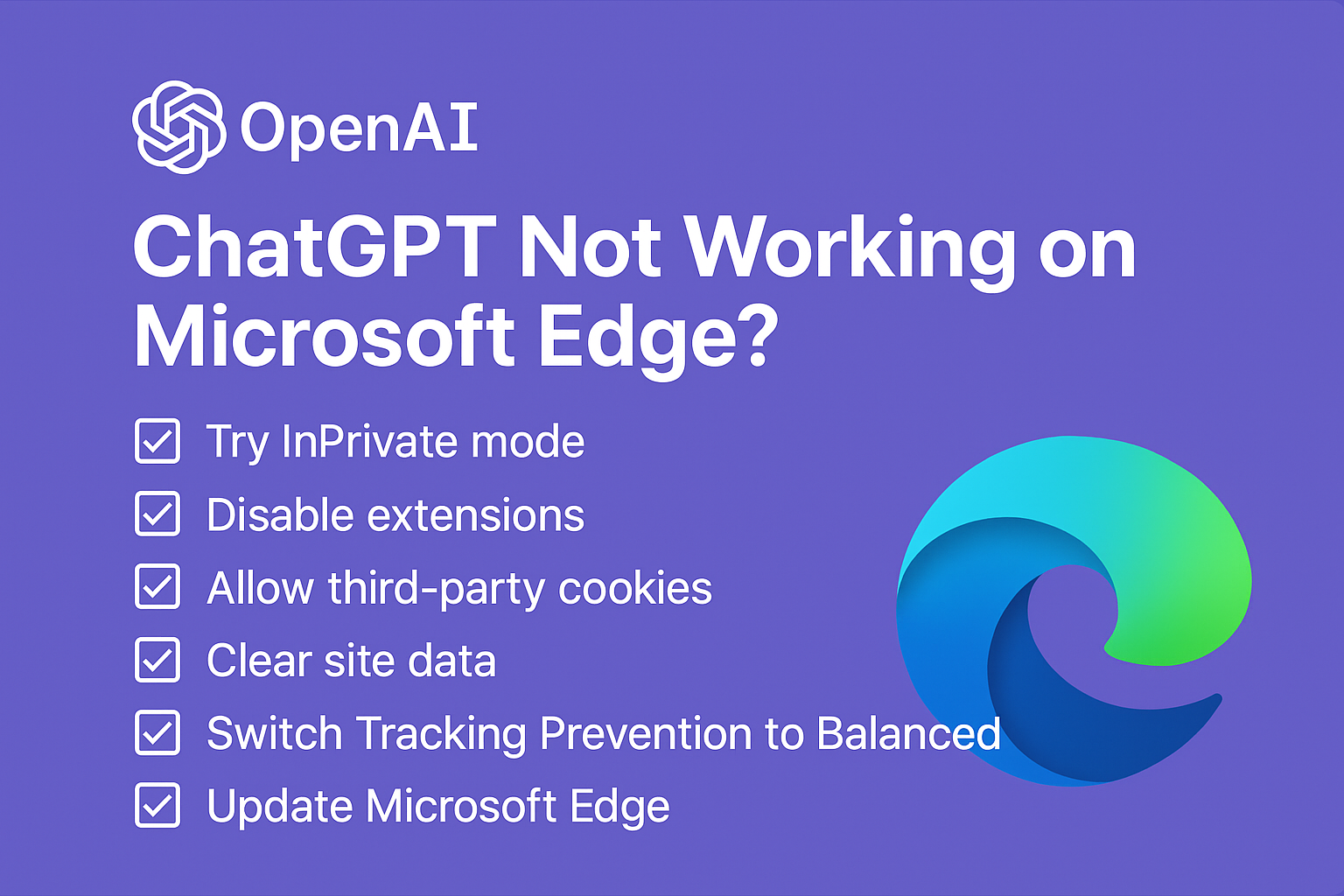
- Open ChatGPT in a private/incognito window.
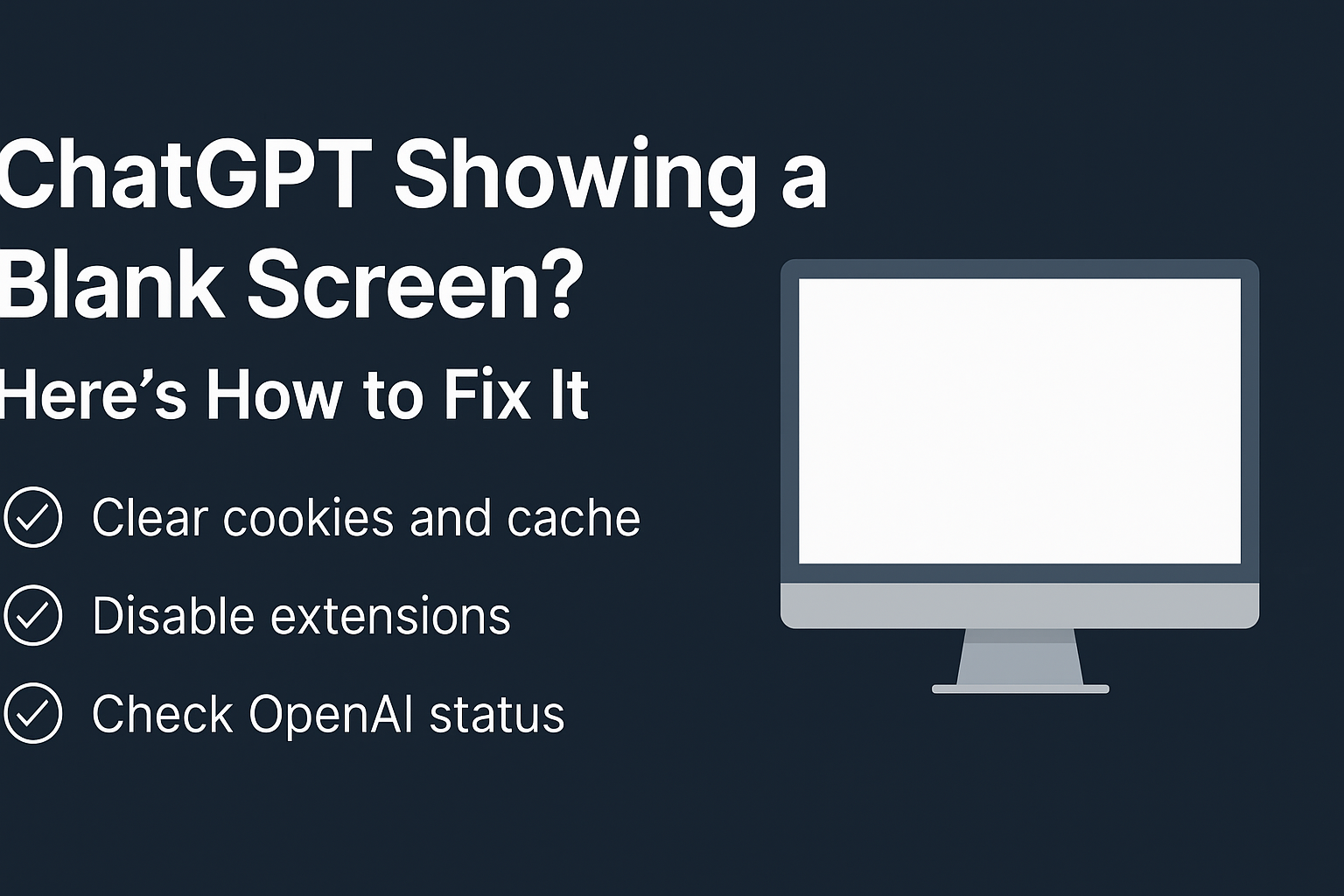
- Clear cookies and cache for ChatGPT.
- Disable extensions (especially ad blockers) temporarily.
- Check if ChatGPT is down on the official status page.
If none of these work, move to the detailed fixes below.
🛠 Detailed Fixes for Blank Screen Error
1. Clear ChatGPT’s Cookies & Cache
- Go to your browser’s settings.
- Find cookies and site data.
- Search for chatgpt.com or openai.com and delete.
- Reload the page.
You may like: How to make chatGPT have feelings?
2. Disable Browser Extensions
- Turn off all extensions (ad blockers, VPNs, script managers).
- Refresh ChatGPT.
- Re-enable extensions one by one to find the culprit.
3. Allow Cookies and Scripts
- Make sure your browser isn’t blocking third-party cookies.
- Ensure JavaScript is enabled (ChatGPT won’t load without it).
4. Update Your Browser or App
- On desktop, update Chrome, Edge, or Firefox.
- On mobile, update the ChatGPT app from Play Store/App Store.
5. Try Another Browser or Device
- If it works elsewhere, the issue is specific to your browser setup.
- This helps confirm whether the problem is local or global.
You may like: ChatGPT keeps repeating, fixed
6. Turn Off VPN or Proxy
VPNs and proxies can sometimes block ChatGPT scripts. Disable them temporarily and reload.
7. Restart Your Device
A simple restart clears background processes that might interfere with loading.
8. Check OpenAI’s Status Page
Sometimes the issue isn’t yours. If ChatGPT servers are down, you’ll see a blank screen until OpenAI fixes it.
📱 Mobile Users: Extra Tips
- Clear app cache from Settings → Apps → ChatGPT → Storage → Clear Cache.
- If still blank, uninstall and reinstall the ChatGPT app.
🙋♂️ FAQs
Q. Why is ChatGPT stuck on a white screen after login?
This is usually due to cookies or extensions. Clear cookies and disable extensions to fix.
Q. Do I need to reinstall ChatGPT app if I see a blank screen?
Not always. First try clearing app cache. Reinstall only if the issue persists.
Q. Can a slow internet connection cause a blank screen?
Yes—ChatGPT is cloud-based and needs stable internet. Try switching to a stronger connection.
✅ Final Thoughts
A blank screen on ChatGPT usually comes down to cookies, cache, or browser extensions. The fastest way to troubleshoot is: open ChatGPT in Incognito mode. If it works there, you know your normal browsing data is causing the issue.
And if nothing works, reinstall the app (mobile) or use another browser until OpenAI resolves any server-side issues.